Hi folks !
Last week I got interested in creative coding and all the different ways one can create beautiful visuals using CSS, SVG and JavaScript and I stumbled on this cool client-side javascript library called p5.js.
You can get started directly via the available in-browser editor but VS Code ❤️ is my true comfort zone when it comes to writing lines of code.
So here’s for you a fast tutorial on how to use p5.js in VS Code.
Installing the VS Code dependecies
For this tutorial you will need to install two VS Code extensions:
How to install VS Code extensions?
The easiest way is to do it is directly via VS Code:
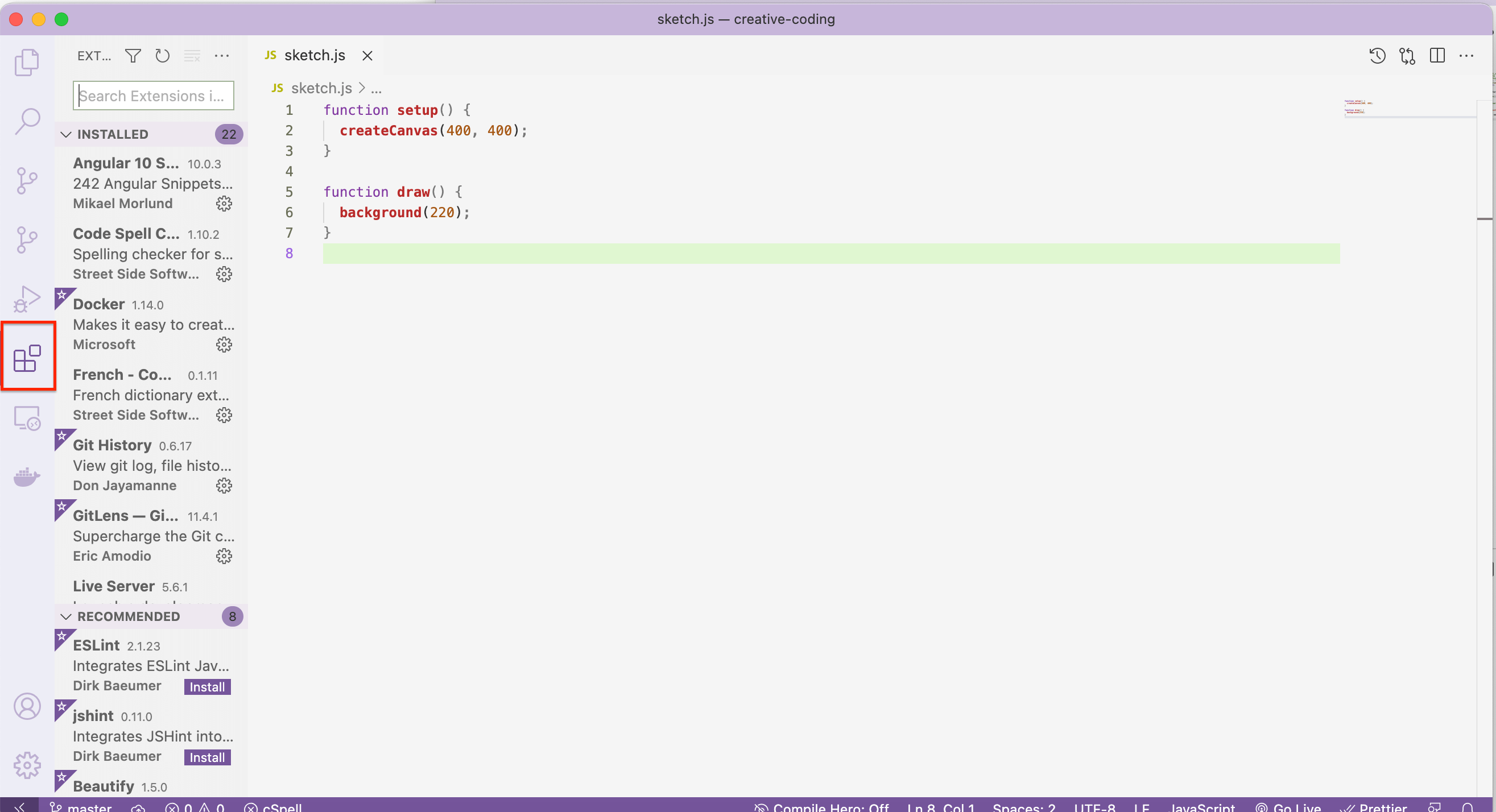
- Go the the Extensions tab in the activity bar on the left:
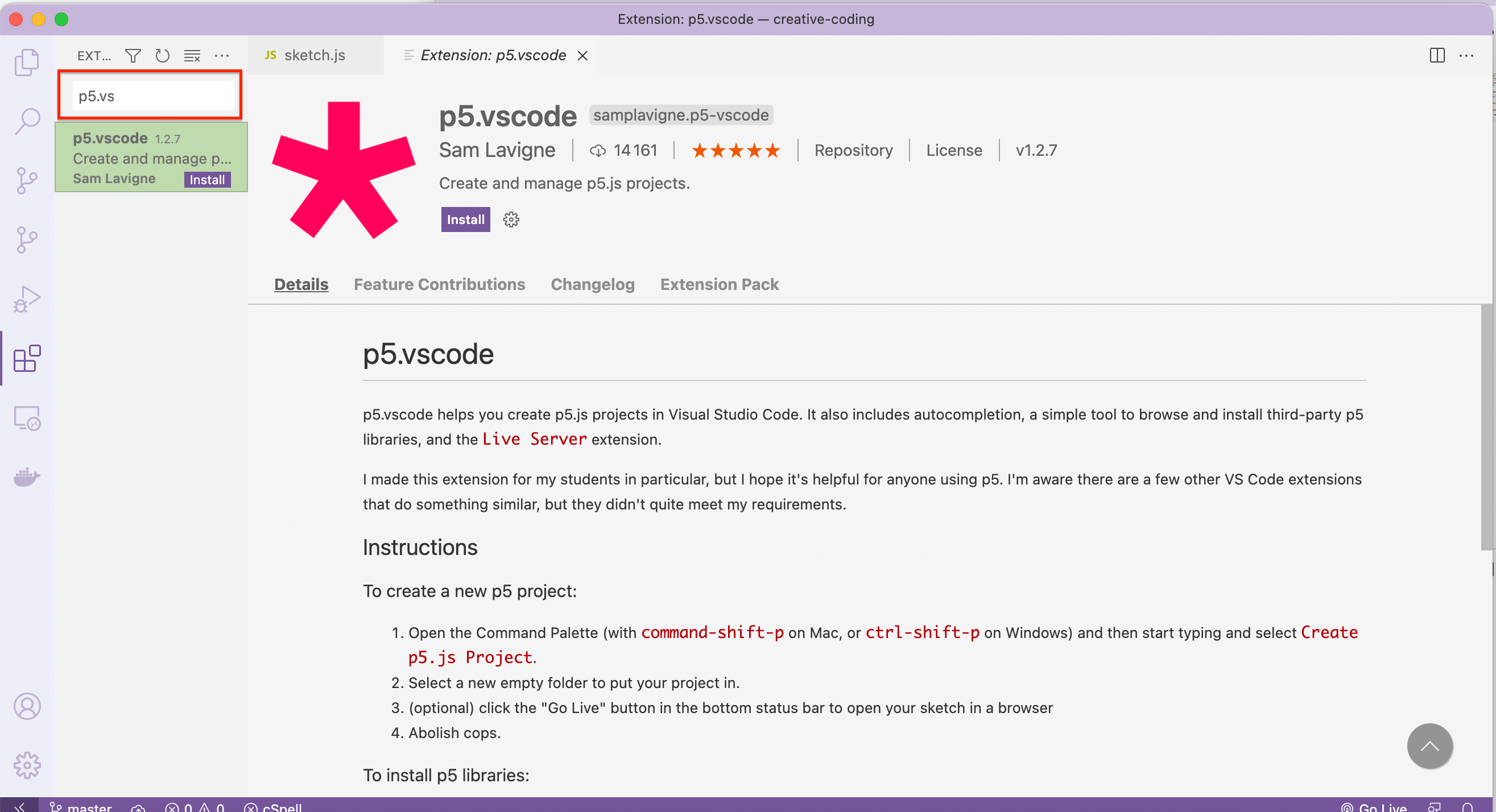
- Enter the name of the extension you want to install:
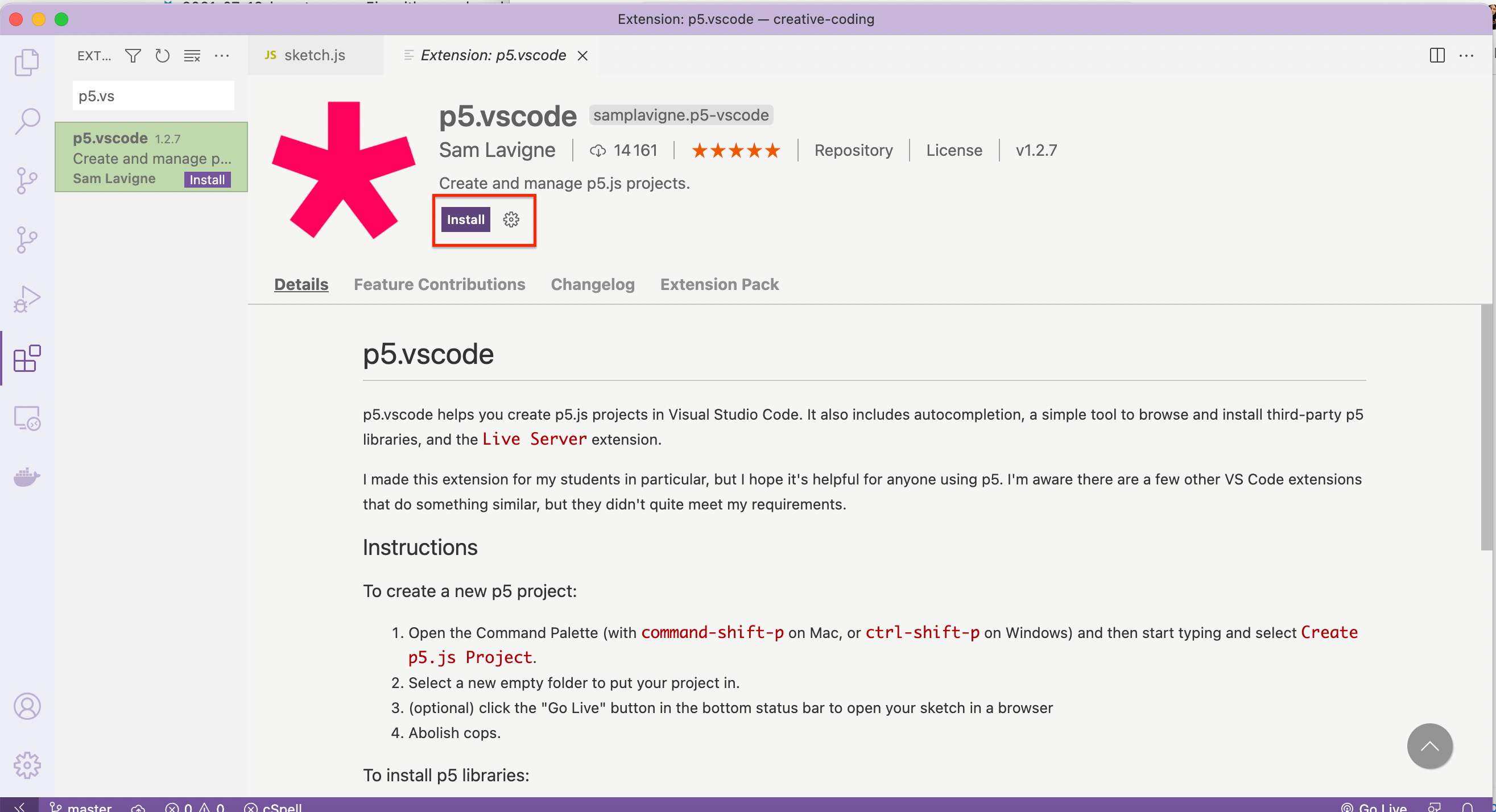
- And then click on the install:
Create a p5.js project on VS code
Once you have installed the dependencies, you are ready to start working on your awesome projects.
Open the Command Palette (with command-shift-p on Mac, or ctrl-shift-p on Windows) and then start typing and select Create p5.js.

Running the app in the browser
Right click on the HTML file and select Open with Live Server .
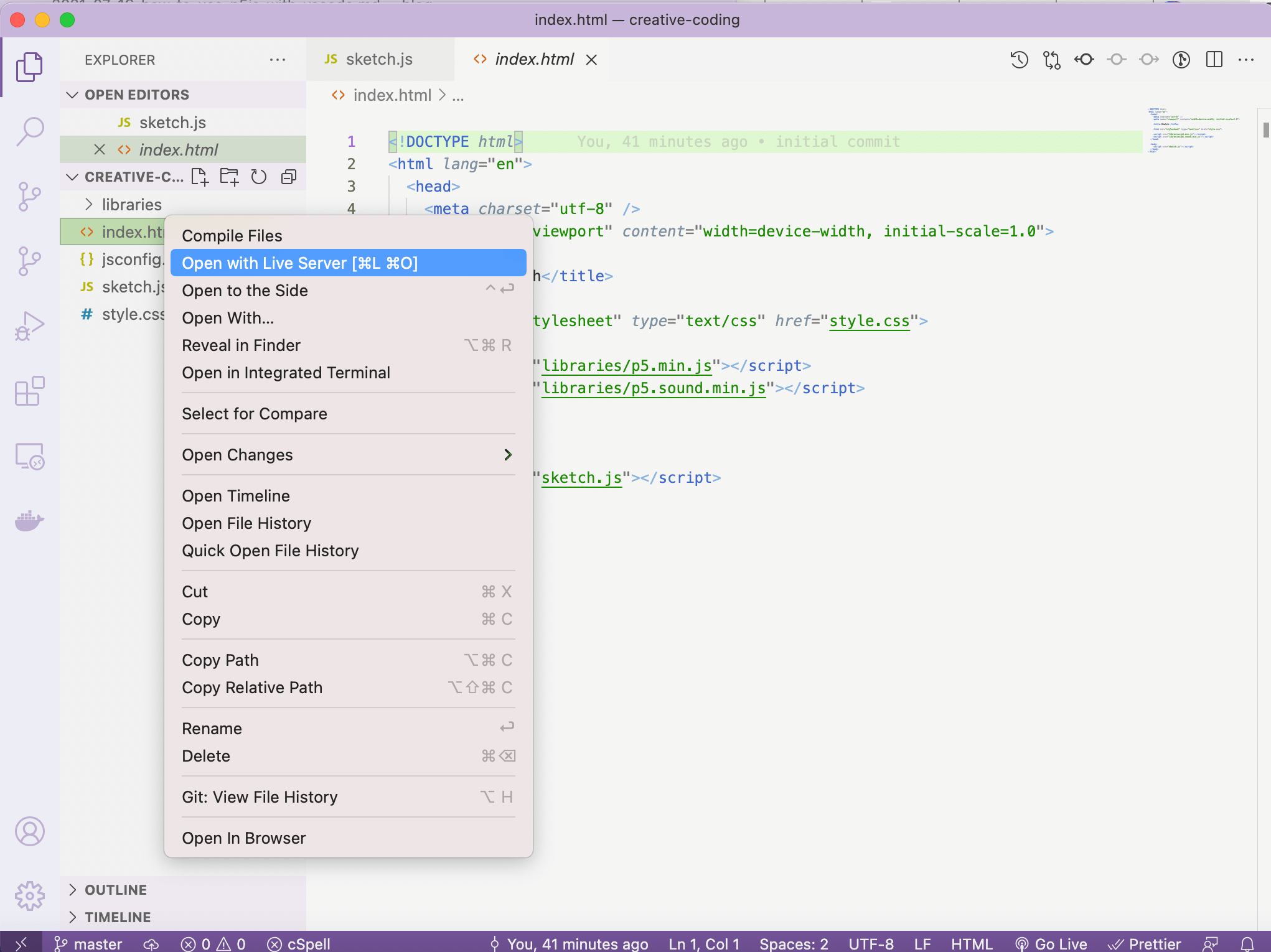
A new window should appear now in your browser displaying the content of the HTML file. You can try to update the p5.js and see it change instantly on the browser.
And here you are ready to start your creative-coding session.